
Physician-Led Video Education Without Repeated Filming
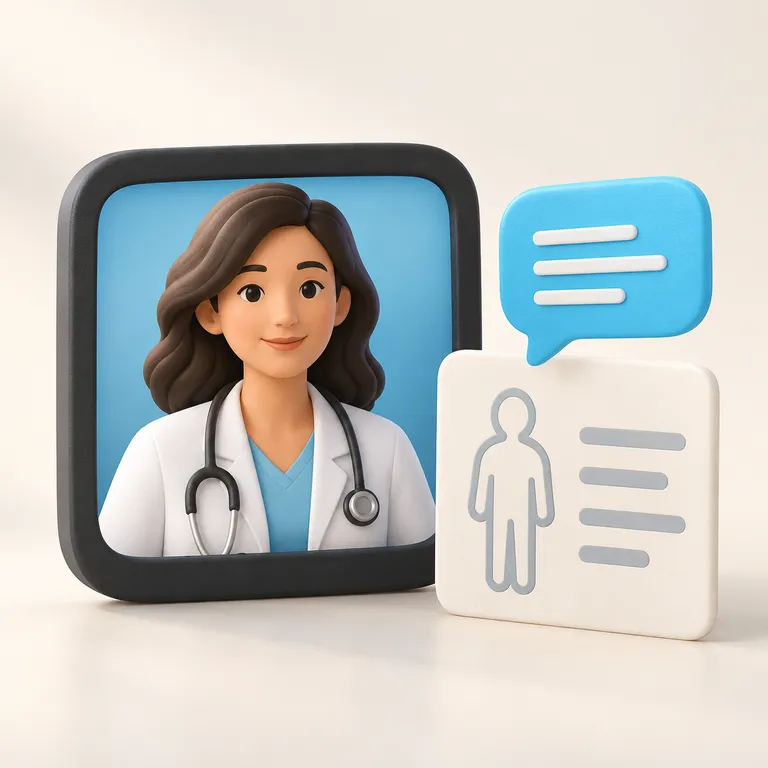
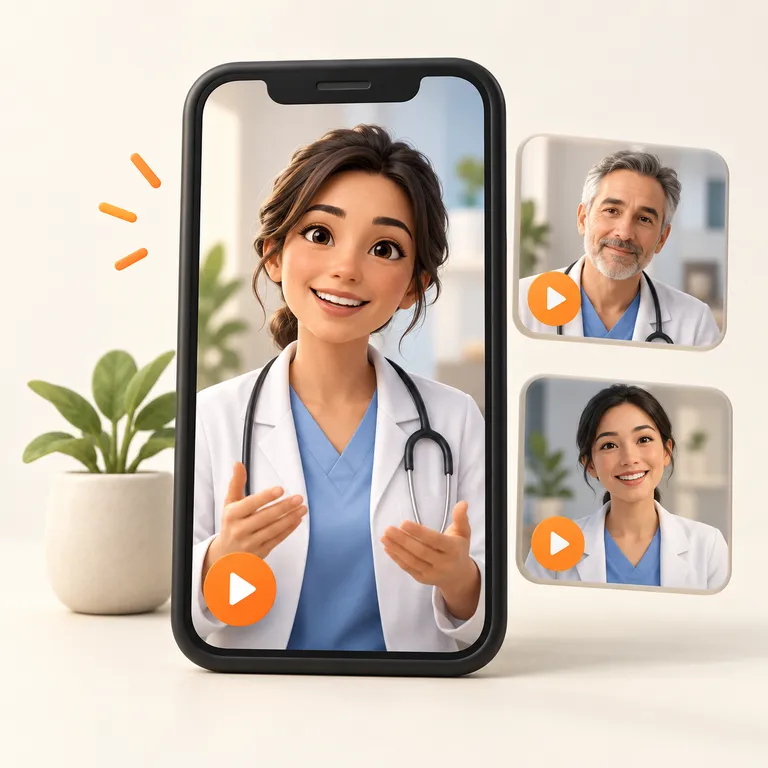
Help patients understand your specialty before their next appointment. ReplicAIted creates an authorized digital twin of a physician or provider, then turns clinician-approved scripts into educational videos. Keep the medical perspective yours while making production more repeatable.
Explain the Visit Before Patients Walk Through the Door
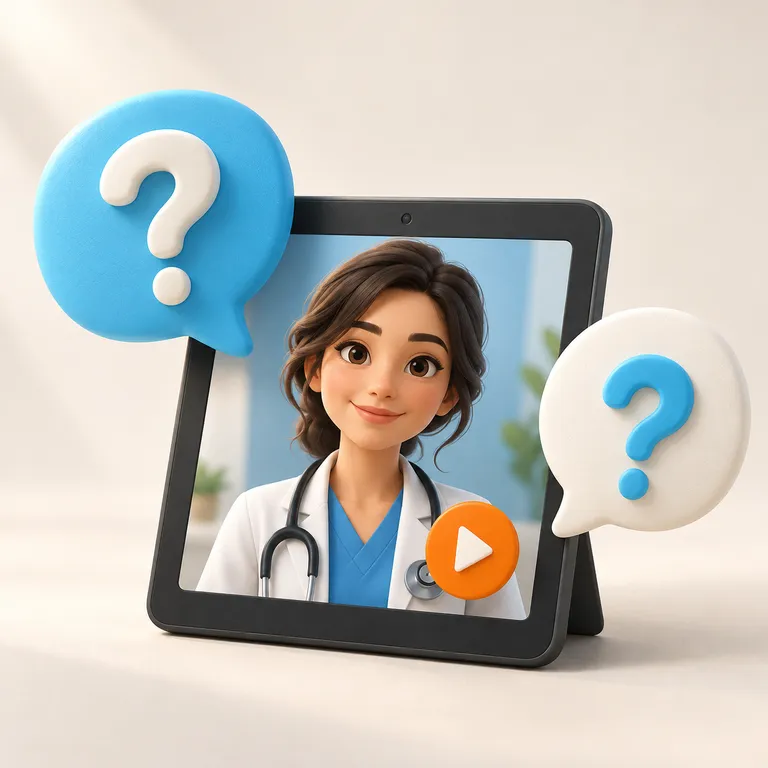
An unfamiliar procedure or a first specialist appointment can bring a long list of questions. Give patients an approachable introduction to what your practice does, how consultations work, and where to find further guidance. Let routine explanations support the conversation your clinicians will have in person.

Organize Education Around Your Specialty
A Resource Library That Supports the Care Conversation
Group videos by service, appointment stage, or a question patients often raise. Use them on practice pages and in appropriate follow-up resources. Assign a clinician to review dated information when your protocols, services, or published guidance change.
Your Clinical Perspective, Consistently Presented
Keep Provider Education Moving Alongside a Full Schedule
Recording time can be hard to coordinate with clinic hours. Once an authorized avatar is established, new approved scripts can become videos without another on-camera session for every update. Your team remains responsible for the information and how it is used.

A Recognizable Provider
Connect the message to an authorized digital representation of the clinician whose expertise guides the explanation.
Review Before Publication
Check medical descriptions, scope, limitations, and practice details with the relevant provider. Approve each script before it is turned into public content.
Education With a Defined Purpose
Choose a specific question about your specialty or patient experience. Give a clear general answer and direct personal concerns back to the care team.
Resources Patients Can Revisit
Use approved videos on specialty pages, in general patient resources, or as part of your practice’s educational communication.
A Practical Path From Clinical Knowledge to Video
AI Avatar Videos for Medical Practices: Frequently Asked Questions
ReplicAIted helps medical practices scale provider-led video while keeping professional expertise, likeness, voice, and approved messaging at the center. These answers explain how the workflow can support responsible patient education and practice marketing.
What is an AI avatar video for a medical practice?
An AI avatar video uses an authorized digital representation of a physician or provider’s face and voice to present practice-approved scripts. It allows the practice to create general educational and promotional videos without requiring a new filming session for every topic.
How can medical practices use ReplicAIted?
Medical practices can use ReplicAIted for procedure education, patient FAQs, provider introductions, general pre- and post-procedure guidance, service explanations, social media videos, and other approved communications.
Will the provider need to film every video?
No. After the initial approved avatar and voice setup, new videos can be created from approved scripts without scheduling a new camera session for each message.
Can our practice review scripts before videos are created?
Yes. The workflow is designed around practice-approved topics and scripts so clinical, compliance, administrative, and marketing stakeholders can review the message before production.
Does ReplicAIted replace the provider’s expertise?
No. The provider’s knowledge, clinical perspective, and approved messaging remain the source of the content. ReplicAIted helps scale how that expertise is presented and does not replace individualized diagnosis, treatment recommendations, or professional medical advice.
How does a medical practice get started with ReplicAIted?
Request a demo to review the AI digital twin workflow, discuss your practice’s communication goals, and identify procedures, services, and recurring questions that can become an approved video library.
Why is ReplicAIted a strong fit for medical practices?
Medical care is personal, expertise-driven, and filled with recurring questions. ReplicAIted helps a recognizable provider explain complex services consistently, build familiarity before a consultation, and support ongoing communication needs without requiring constant filming.
Give patients more opportunities to learn from the professionals they may choose for care. Request a ReplicAIted demo to see how an approved AI digital twin can support procedure education, provider introductions, patient FAQs, and a reusable video library for your medical practice.
Explore other industry solutions